

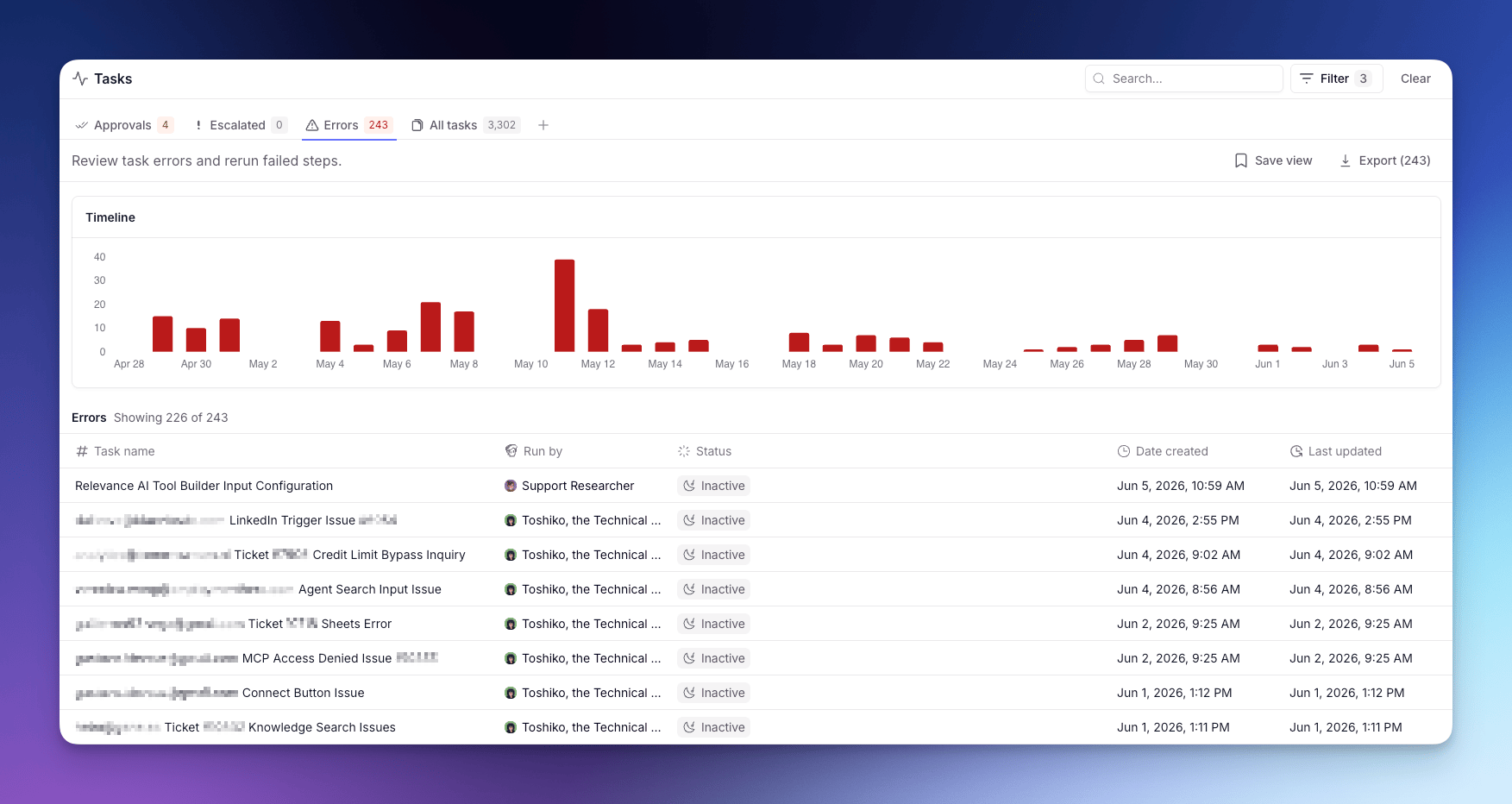
Each Task is a single run of work (a conversation or workflow) carried out by an Agent or Workforce. For what a Task is and how to read one, see Tasks.
Status tabs
The page is split into status tabs:- Approvals — Tasks waiting on your approval before they can continue.
- Escalated — Tasks the Agent paused on to ask you a question.
- Errors — Tasks that hit a Tool failure or runtime error.
- All tasks — every conversation across your Agents and Workforces.
Grouping views
Within any status tab, you can switch how Tasks are grouped using the grouping tabs above the Task list:- All — a flat list of every Task across all Agents and Workforces, ordered by recency.
- By agent — Tasks grouped by the Agent that ran them, so you can compare load and status per Agent at a glance.
- By workforce — Tasks grouped by Workforce. Each Workforce row is expandable to show its member Agents as sub-rows, giving you a hierarchical view from Workforce down to individual Agent.
The By workforce grouping is currently available to early-access users. If you don’t see it, it hasn’t been enabled for your account yet.
Bulk actions
When you open a Task, the page checks for other Tasks from the same Agent in the same state and surfaces a bottom sheet so you can act on the whole group at once. Available bulk actions:- Approve or Reject pending approvals.
- Rerun errored Tasks from the failing step.
A Task with more than one pending approval isn’t bulk-actionable and stays one-at-a-time.